How to Register on Digital Wallet?
Registration
-
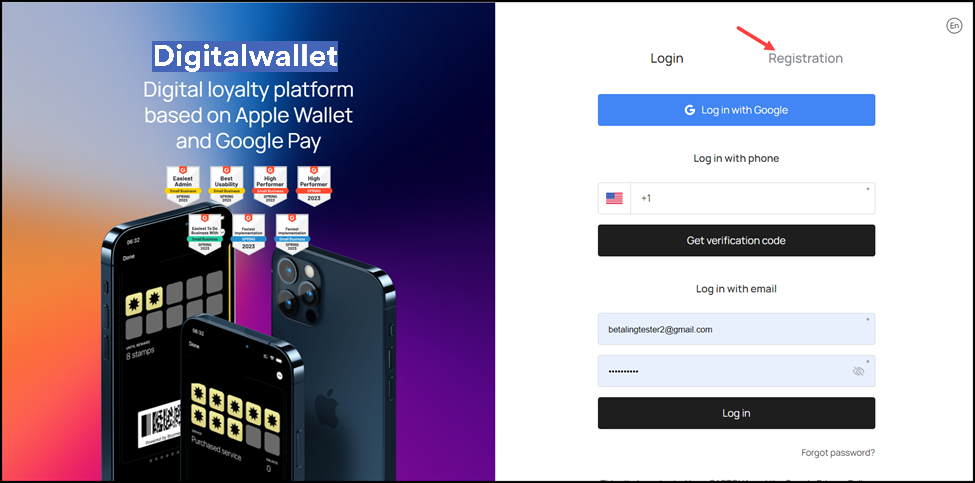
Use the provided URL from your web browser address bar to land on the login page.
-
To register as a new user, click the Registration button. Doing so takes you to the Registration screen.
- Here, enter your first name using the First Name field.

- Use the Last Name field to record your last name.
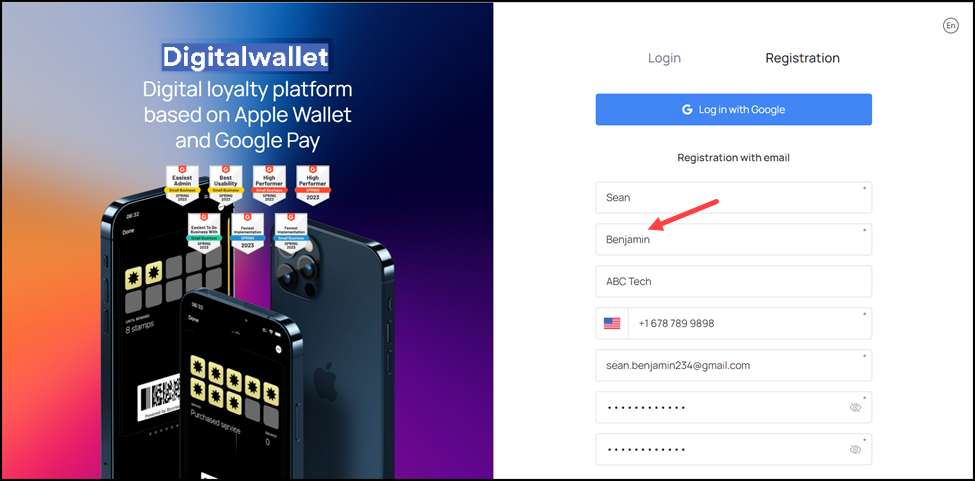
- Enter the name of your organization using the Company Name field.
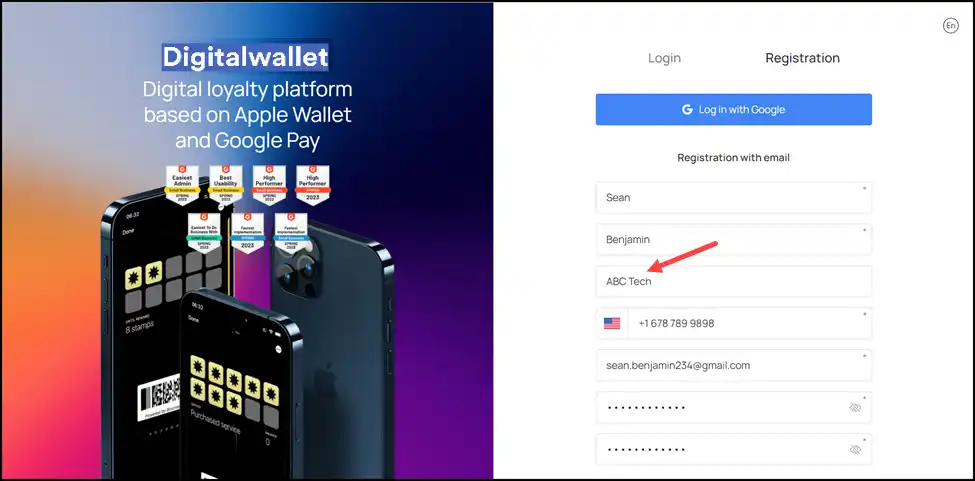
- Use the Contact Number field to enter your contact number.
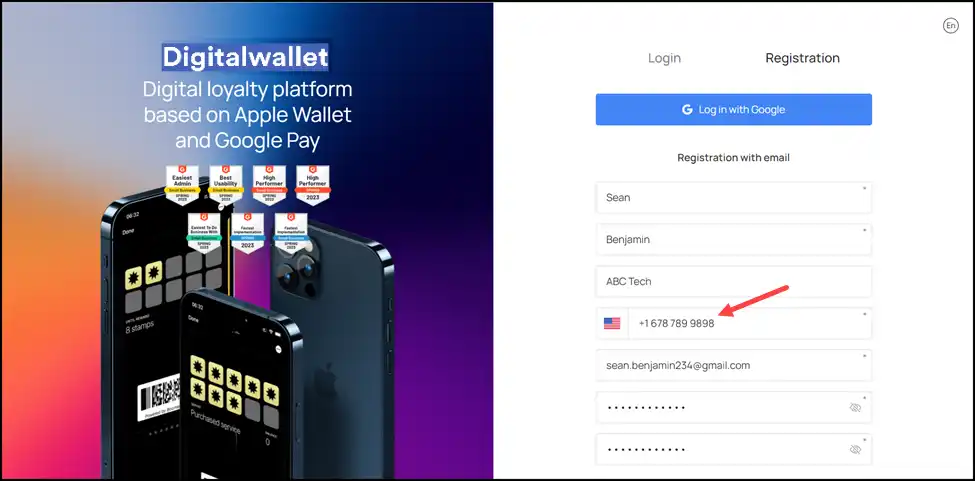
- Enter the email address with which you want to register on the digital wallet in the Email Address field.

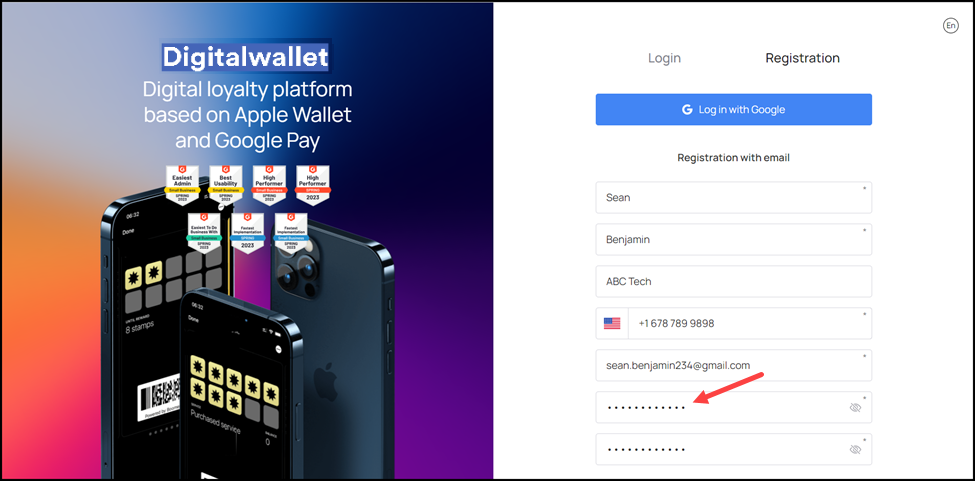
- Set a password for your account using the Password field.
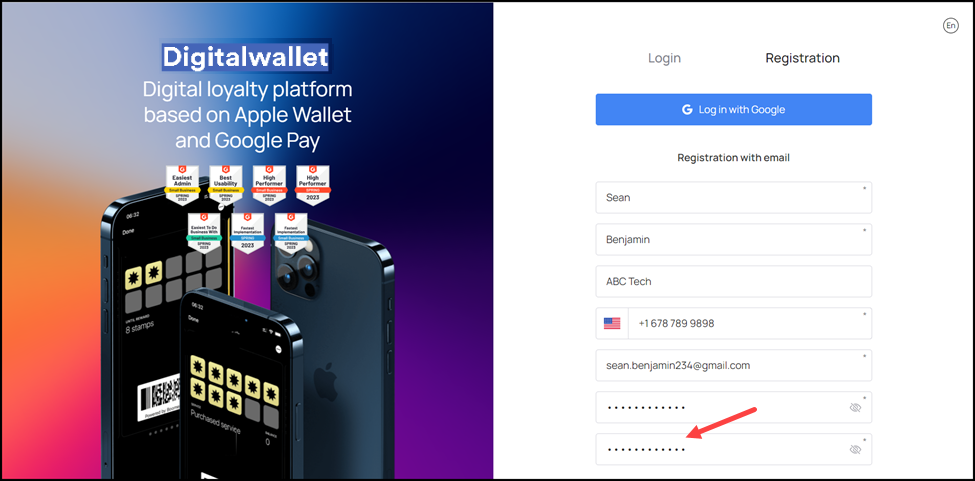
- Confirm your set password by re-entering it in the Repeat Password field.
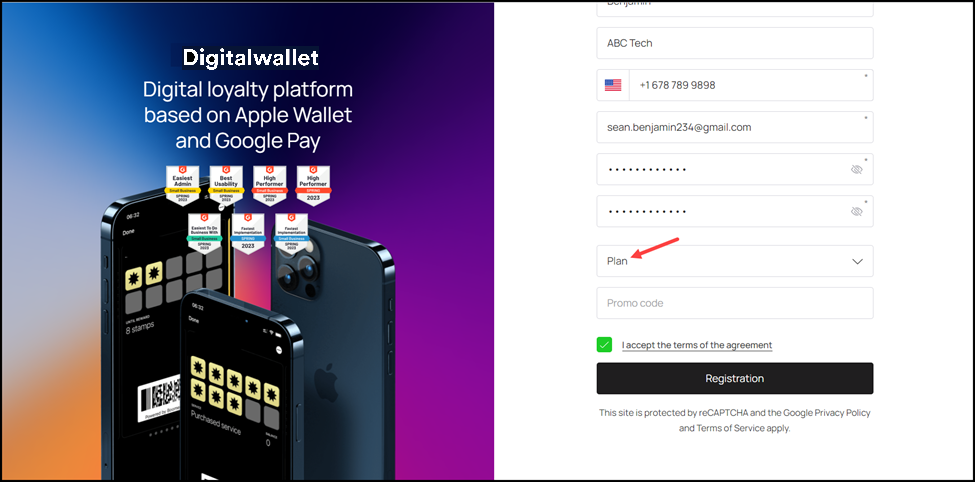
- Choose the digital wallet plan as per your business need using the Plan dropdown.
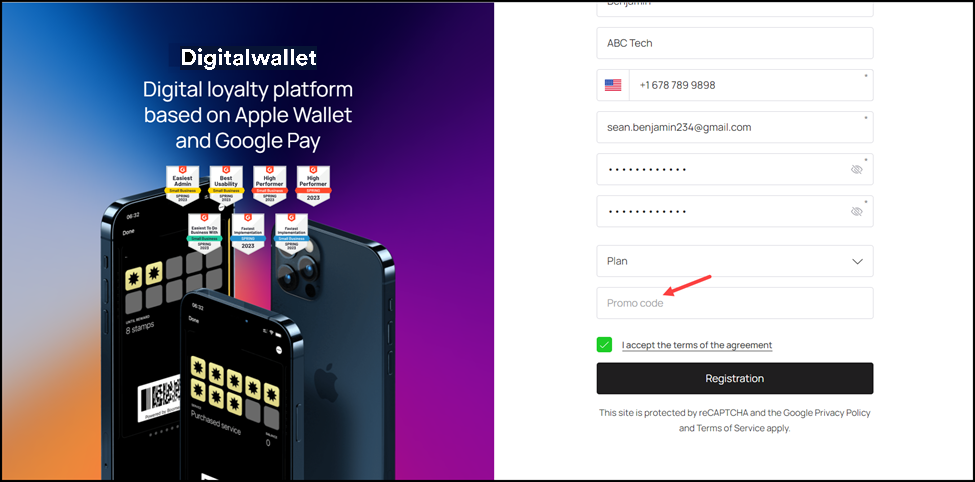
- If you have any promo code, enter it in the Promo Code field.
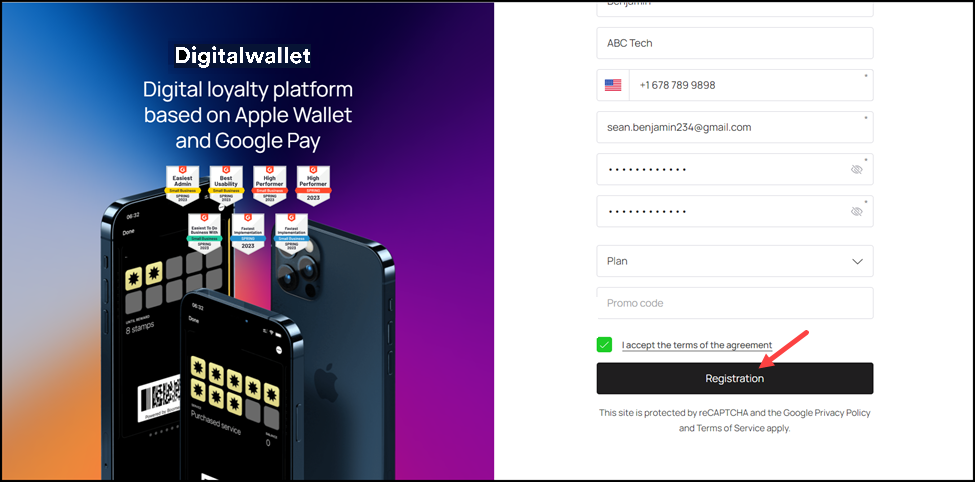
- Acknowledge the terms and conditions by marking the “I accept the terms of the agreement” checkbox.
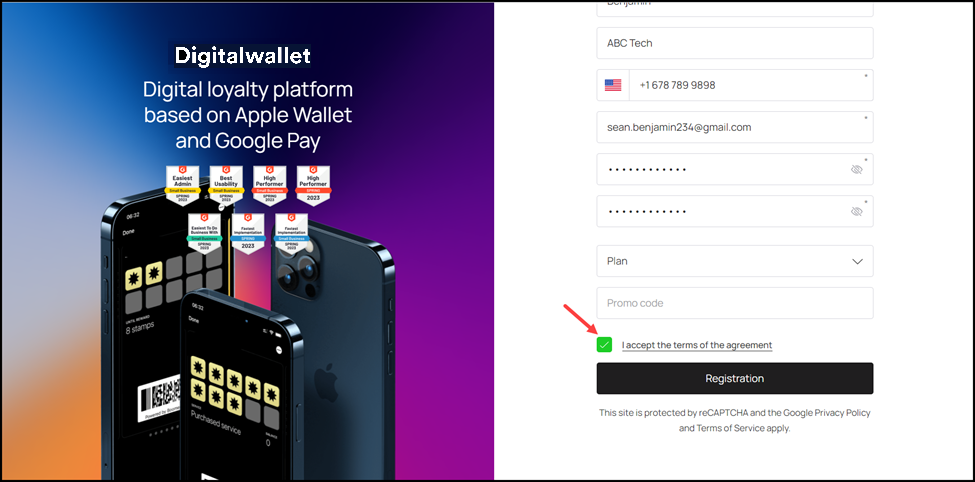
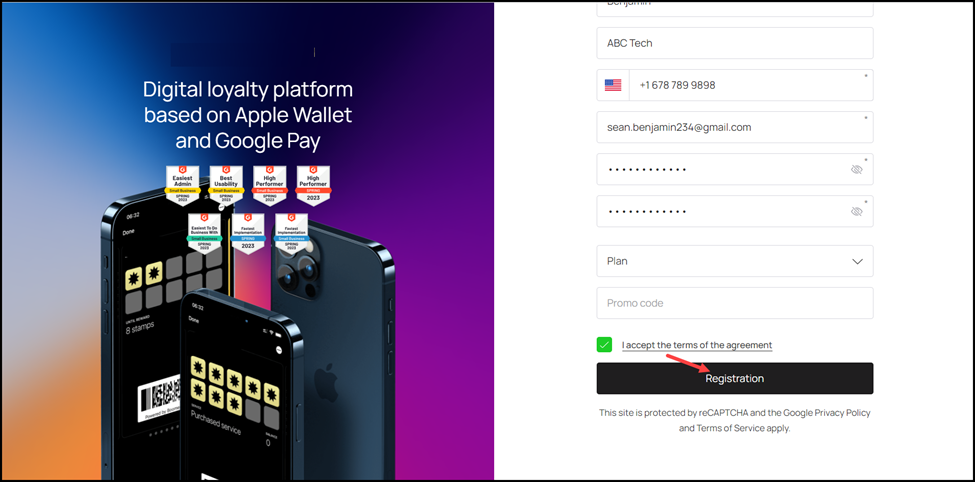
- Once the required fields are filled, click the Registration button.