
How to Login with Phone?
-
Use the provided URL from your web browser address bar to land on the login page.
-
Enter your registered phone number in the field below the Login with Phone heading.
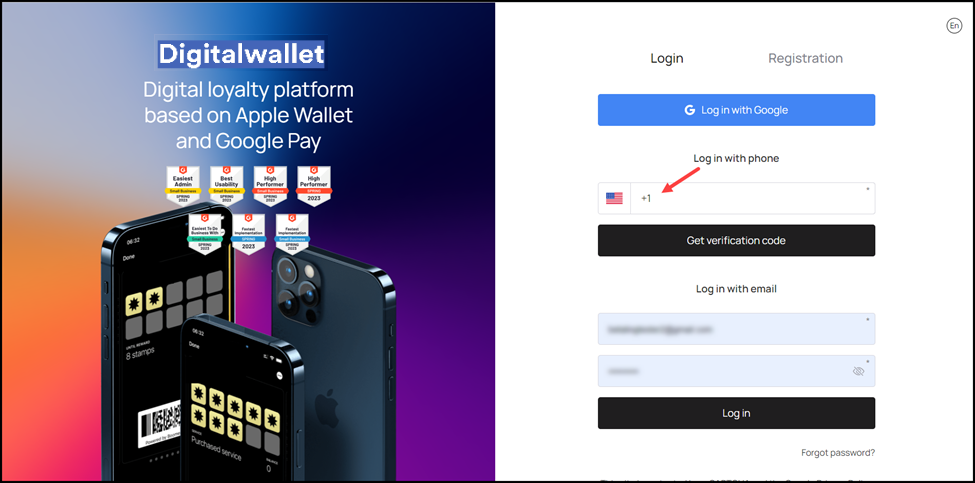
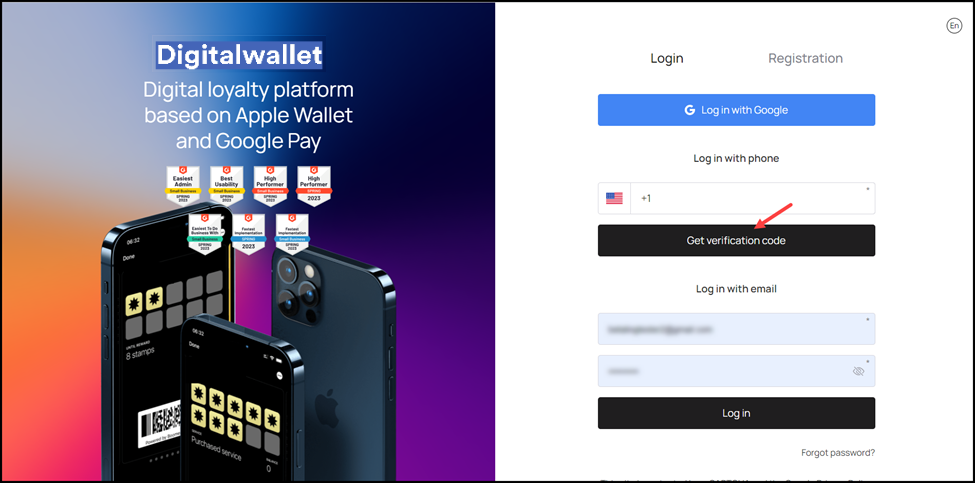
- Once entered, click the Get Verification Code button. This sends a verification code to your registered mobile number.
-
Enter the verification code received on your phone in the Verification Code field.
-
Click the Login button.